Wondershare Filmora 13 for
Windows | Lifetime Activation | Instant Download
Download your Product: After completing the
order with payment, you can download the product from your Elozaa.com dashboard
download section.
How to Order and Download Digital Products of
Elozaa.com. Video Link – Watch
Video
After activating
the software, only the installation package will be Download. (Pre-activated
software, so no key/subscription is provided or required)
Package: Download link, Installation Manual/guideline delivered instantly
Download from Elozaa Dashboard
Official Website : https://filmora.wondershare.net
Features:
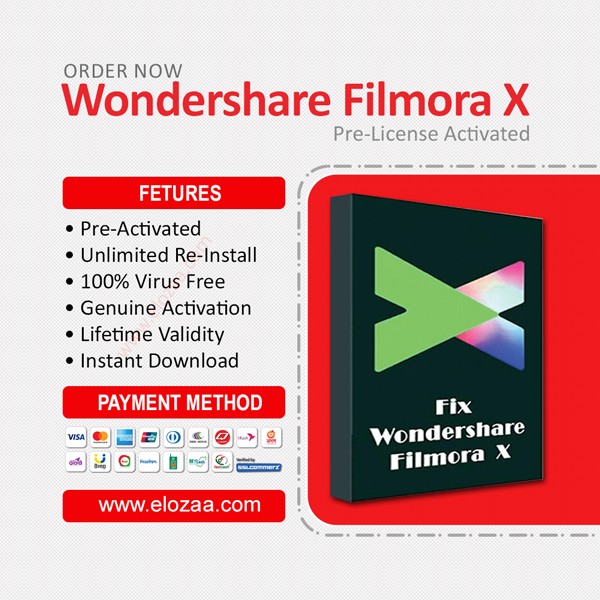
-> Pre-License Activated
-> Unlimited Re-Install
-> 100% Virus Free
-> Genuine Activation
-> Lifetime Validity
-> Instant Download
Filmora
13
Expand
Your Creativity
Effortlessly create with a fully-equipped video editing suite
powered by AI.
What's new in Filmora 13
Filmora 13 offers more
AI powered features like Copilot Editing, Text Based Editing, Music Generator,
Thumbnail Generator, Text to Video and more. Additionally, this version upgrade
offers improvements to workflow efficiency, such as Compound Clips, Multi-Clip
Editing, Playback Speed Shortcuts, Vocal Removal and more intelligent effect
organization tools for quickly finding your favourites. We have also expanded
our effects library with Optimized Templates and AI effects to help you create
stunning content.
You can explore more
via our official website https://filmora.wondershare.com/whats-new-in-filmora-video-editor.html,
enjoy it!
Features of Wondershare Filmora
Below are some amazing
features you can experience after installation of Wondershare Filmora please
keep in mind features may vary and totally depend on how your system supports
them.
·
Provide
keyframes to change position, rotation, and opacity
·
Audio
ducking feature development
·
More
than 30 new effects (30 new elements and 9 callout titles) available
·
More
than 100 video tracks provided
·
Faster
import and export than previous versions
·
Preview
videos in high quality and capture images
·
Chroma
key that has been developed for the better
·
Video
stabilization which makes videos more stable when moving
·
Updated
playback quality
·
Compatible
for cross projects between macOS and Windows users
·
The
latest waveform has been developed
·
More
accurate Color Match with various color variants
·
More
than 100 audio tracks provided
·
Available
in portable form without installation
Filmora for Windows System Requirements
- You may need
to update your graphics drivers to run Filmora. Please keep your
computer's graphics drivers updated to get the best performance out of
your hardware. Find out
how »
- Supported OS :
Windows 11/Windows 10/Windows 8.1/Windows 7 (64 bit OS).
- Processor :
Intel i3 or better multicore processor, 2GHz or above.
(Intel 6th Gen or newer CPU recommended for HD and 4K
Videos). - RAM :
8 GB RAM (16 GB required for HD and 4K videos).
- Graphics :
Intel HD Graphics 5000 or later; NVIDIA GeForce GTX 700 or later; AMD
Radeon R5 or later.
2 GB vRAM (4GB required for HD and 4K videos). - Disk :
At least 10GB free hard-disk space for installation (SSD-Solid State Disk
recommended for editing HD and 4K videos).
- Internet :
Internet connection is necessary for software registration and access to
online services like Creative
Assets.
GPU and GPU driver requirements
To
get best video editing experience with Filmora for Win, it is recommended to
make sure your GPU meets the below requirements:
- Processor: Intel i3 or better
multicore processor, 2GHz or above (Intel 6th Gen or newer CPU recommended
for HD and 4K Videos).
- Operating System: Windows 11/Windows
10/Windows 8.1/Windows 7 (64-bit OS).
- RAM: 8 GB RAM (16 GB
required for HD and 4K videos)
- GPU: 2GB GPU Memory

 English
 Bangla
































Share with Friends
Trading is more effective when you share products with friends!Share you link
Share to